

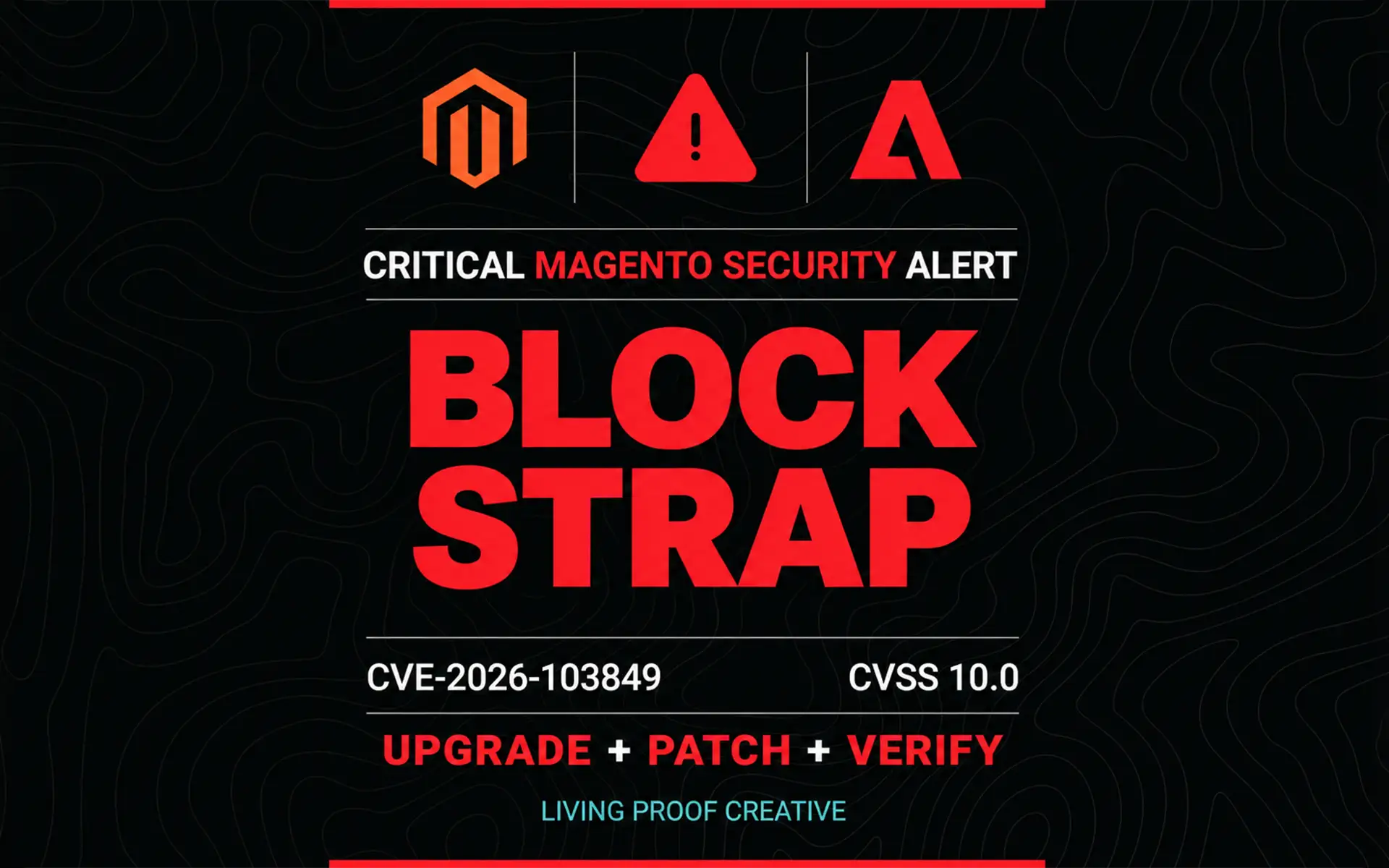
Magento’s BlockStrap vulnerability requires prompt attention. Start by confirming your store’s edition, exact version, and installed security patches. Magento Open Source 2.4.6 stores need an upgrade path; stores on eligible releases still need the applicable October security files.
Tracked as CVE-2026-103849, BlockStrap can allow unauthenticated remote code execution (RCE)—running attacker-controlled code on the server without logging in. Adobe addressed it in APSB26-153 on October 13, 2026, with a Common Vulnerability Scoring System (CVSS) base score of 10.0. Adobe reported no known exploitation in the wild when publishing the bulletin. Adobe security bulletin.
This guide explains the edition-specific upgrade decision, patch prerequisites, and verification steps. Living Proof Creative can help you review your Magento support needs and plan the work around checkout, integrations, and business continuity.
Key Takeaways
- BlockStrap requires prompt attention because successful exploitation can allow code execution without authentication.
- Confirm your edition and complete patch history before choosing a remediation path.
- Treat the platform upgrade and security patch deployment as separate tasks.
- Verify the deployed fix and test the store’s essential workflows.
- Investigate suspicious activity separately from checking patch status.
What Is the BlockStrap Magento Vulnerability?
A Common Vulnerabilities and Exposures (CVE) identifier names a specific security flaw. Adobe classifies this one as a template-engine injection issue: unsafe handling of template content can lead to arbitrary code execution. Its published attack vector requires neither privileges nor user interaction.
Adobe’s bulletin lists affected Magento Open Source lines from 2.4.6 through 2.4.9, through their September 2026 updates and earlier. Adobe Commerce also lists 2.4.4 and 2.4.5; Commerce B2B has separate affected versions. Match the full edition and component inventory to the bulletin. Affected versions and vulnerability details.
For a store owner, the concern extends beyond a broken page. Code execution could put storefront operations, integrations, and information accessible to the application at risk. The response should include both remediation and an environment review.

Why Magento Open Source 2.4.6 Stores Need an Upgrade Plan
An older release can turn an urgent patching task into a platform upgrade.
Adobe’s October patch guidance limits Open Source patch downloads to version 2.4.7 and later. It separately provides access instructions for Adobe Commerce merchants running older releases. Those Commerce provisions should not be interpreted as public patch availability for Magento Open Source 2.4.6. Adobe’s October patch instructions.
Adobe records August 11, 2026 as the end of regular support for the 2.4.6 release line. Its documentation also lists extended support and additional security provisioning, making edition and entitlement important distinctions. Adobe release and support dates.
For a Magento Open Source 2.4.6 store, plan an upgrade to a release eligible for the current official security files. Sansec’s BlockStrap research also identifies upgrading to 2.4.7-p10 or later as the official public-patch route for these stores. Sansec BlockStrap research.
Which Magento Version Should You Upgrade To?
Choose the destination after reviewing extension compatibility, custom code, hosting dependencies, and the testing required to deploy safely.
Magento 2.4.7 may offer a shorter compatibility path for some stores. Assess 2.4.8 and 2.4.9 as well, rather than choosing the minimum automatically. Review PHP and infrastructure requirements, extension support, custom modules, and the operational testing each option needs.
Adobe lists regular support through May 2027 for 2.4.7, May 2028 for 2.4.8, and May 2029 for 2.4.9. These dates provide planning context; confirm the support terms applicable to your edition. Adobe’s released versions.
The upgrade target should balance the urgency of remediation with the work required to make checkout, payments, integrations, and administration reliable.
Upgrading Alone Does Not Complete the October Security Update
Do not assume that reaching a particular version number means the store is fully patched.
Adobe’s October files target baselines including 2.4.7-p10, 2.4.8-p5, and 2.4.9. Apply the applicable isolated security files and required earlier monthly patches in release order. These monthly files are non-cumulative: the October download does not replace the preceding months. Keep the separate StyleSmuggler hotfix in the plan. October security update requirements.
If you addressed September’s vulnerability, review our StyleSmuggler remediation guide alongside the current Adobe instructions.
Turn the Patch Requirements Into a Store-Specific Plan

For example, consider an Open Source 2.4.6 store with a custom checkout and an ERP integration. This hypothetical store needs more than a new version number. The team must choose a compatible release, map its security prerequisites, test checkout and order transfer, and confirm who will verify production after deployment.
The useful output is a documented release path, test plan, recovery option, and named owner. That gives the business and technical team a shared plan for deployment.
Need help defining that plan? Request a Magento security update review with Living Proof Creative.
Apply the Fix Through a Controlled Deployment

We recommend documenting the remediation before making production changes.
- Inventory the environment. Record the edition, exact version, installed components, customizations, and patch history.
- Confirm recovery options. Check that backups or infrastructure snapshots can support a rollback.
- Prepare staging. Reproduce the relevant production configuration and integrations.
- Complete the upgrade and patch sequence. Follow the current Adobe instructions for the selected release.
- Test business workflows. Cover checkout, payment authorization, customer accounts, transactional email, scheduled jobs, and connected systems.
- Deploy and verify. Record the deployed changes, verification results, and remaining issues.
A successful deployment should include evidence that the intended fixes reached production.
Important Update for Magento 2.4.8-p5 Stores
Adobe revised the October 2.4.8-p5 Community Edition patch while retaining its filename. Stores using the original file may see an UNKNOWN result in the Commerce Version Tool.
An UNKNOWN result alone does not establish vulnerability. Adobe says the original file included the required protection for the associated issue. Follow its revised-patch instructions to add the hardening change and restore consistent verification. This revision does not mean the original BlockStrap fix was absent. Adobe’s revised patch guidance.
Teams that patched immediately after release should check which file they deployed.
Verify Patching and Review Suspicious Activity

Adobe recommends the Commerce Version Tool to identify applied patches, missing patches, and vulnerability status. Resolve missing requirements and unexplained results before considering the patch work complete. Adobe verification instructions.
We also recommend reviewing unexpected administrator accounts, unfamiliar code changes, unusual scheduled tasks, and suspicious access patterns. Preserve relevant evidence before cleanup if the review identifies a possible incident.
Patch verification answers whether the fix is installed. Determining whether an attacker previously accessed the environment requires a separate investigation.
How Living Proof Creative Can Help
A critical Magento update can require coordination across development, hosting, payment providers, and connected systems.
Living Proof Creative’s Magento support and maintenance services provide a starting point for reviewing your store’s release, upgrade dependencies, patching needs, and ongoing care. Discuss the technical work and specialist support required for your environment before committing to a deployment.
Request a Magento security update review to discuss the release path, patch history, and testing your store needs.
Frequently Asked Questions
Is BlockStrap the Same Vulnerability as StyleSmuggler?
No. They have different CVE identifiers and remediation requirements. Include both in your patch-history review.
Does Magento 2.4.8-p5 Automatically Include the October Fix?
No. Confirm that the required isolated security patches have also been applied.
Can Magento Open Source 2.4.6 Use the Adobe Commerce Patch Download?
Do not assume eligibility or compatibility. Follow Adobe’s edition-specific access instructions and establish an upgrade path for the Open Source store.
Does a Successful Patch Check Prove the Store Has Never Been Compromised?
No. Patch status and compromise assessment answer different questions.
What Should Store Owners Do First?
Ask the technical team for the exact edition, version, patch inventory, and a documented plan covering remediation, testing, deployment, and verification.