
Navigating the digital landscape can feel like navigating a maze with your eyes closed, especially when you’re trying to create a website that looks stunning on any device. People use an array of devices – from smartphones and tablets to laptops and beyond – to browse the web.
If your site doesn’t seamlessly adapt across these varied screens, it’s all too easy for potential visitors to bounce away in frustration. Believe us, we’ve hit those same roadblocks and understand just how daunting it can be.
But here’s a silver lining: after delving into a mountain of research, one statistic popped up — 57% of internet users say they won’t recommend a business with a poorly designed mobile site.
Consider this guide your beacon through the stormy seas of web design. Step by step, we’ll walk you through making your website not just responsive but welcoming to every screen size out there.
From demystifying what responsive design truly entails to guiding you on testing your site across multiple devices, we’re covering all bases. Expect down-to-earth advice peppered with straightforward examples designed to make your website stand out no matter where (or on what) it’s being viewed.
Eager to dive in? Let’s embark on this journey together — trust us, it’ll transform the way you view web design!
Key Takeaways
- Use flexible layouts, media queries, and light images to make your website work well on all devices. These tools help adjust your site’s look depending on screen size.
- Focus on mobile users by choosing responsive themes, optimizing for speed, and making navigation easy with properly sized buttons and spaced links. Over 57% of internet users won’t recommend a business if its mobile site is poorly designed.
- Test your website on various devices to ensure everyone has a good experience. Using breakpoints in design helps keep content readable and accessible no matter the device.
Understanding Responsive Web Design

Responsive web design is our toolkit for making websites look great on any device. It adjusts the layout, text size, and visuals to fit mobile phones, tablets, and desktop screens perfectly.
This magic happens through fluid grids, flexible images, and smart CSS3 media queries. We harness these tools to ensure everyone enjoys browsing your site, no matter what they’re using to view it.
We dive deep into the tech that makes this possible. Breakpoints play a crucial role here—they tell a website when to change its design for an optimal user experience across different screen sizes.
Imagine seamlessly moving from a large desktop display down to a compact smartphone screen without losing functionality or aesthetic appeal. That’s responsive web design at work—creating accessible and visually appealing online spaces for all users.
Essentials of Building a Responsive Website
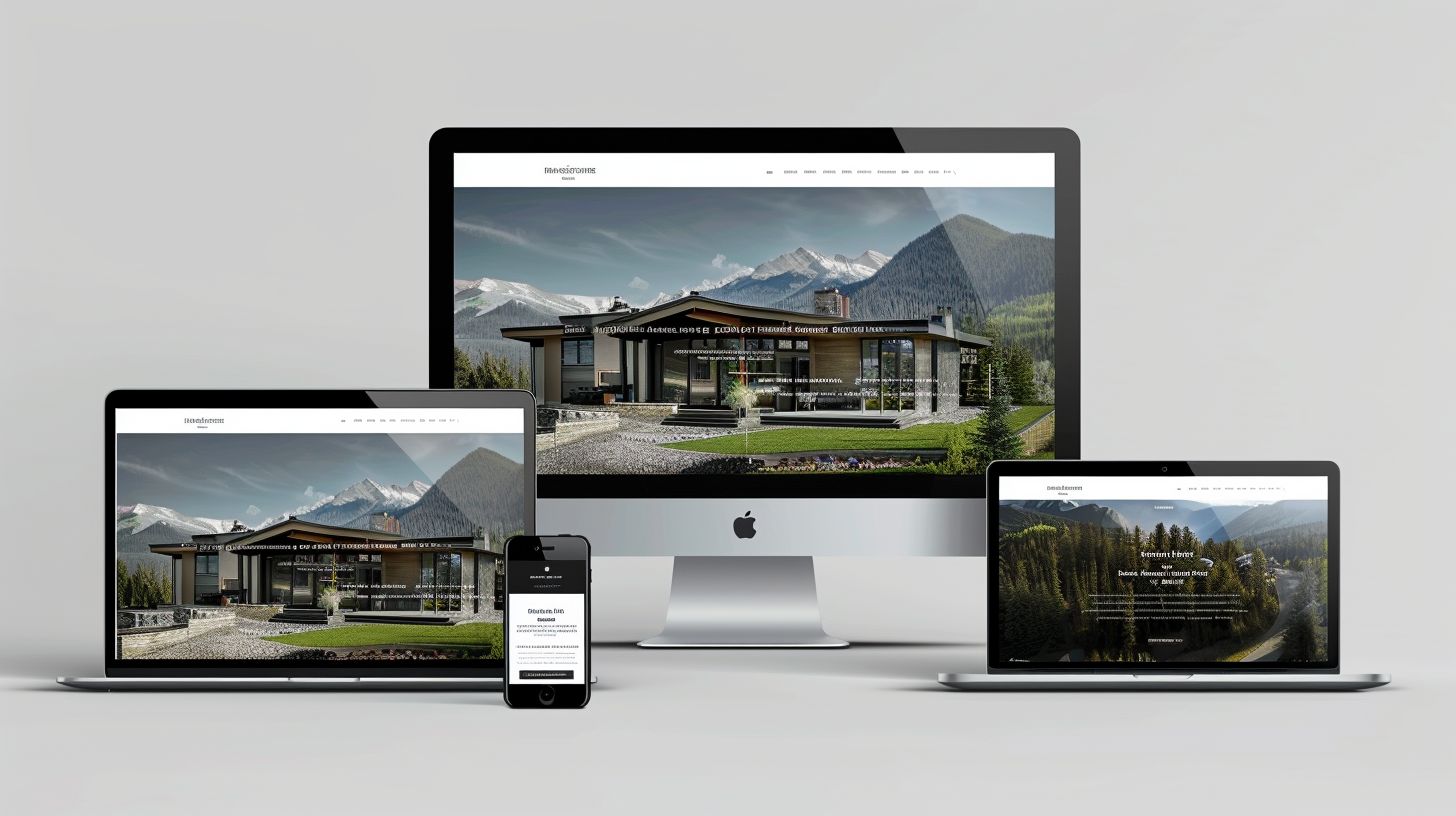
We get it—making your website look great on every device seems like a Herculean task. But here’s the scoop: mastering a few key essentials can turn that daunting challenge into a walk in the park.
Flexible Layouts
Flexible layouts are our secret weapon in crafting websites that look great on any device. We utilize CSS properties like Flexbox and Grid to arrange web elements proportionally to the screen size.
This approach ensures visual consistency across desktops, tablets, and mobile phones. Our designs fluidly adapt, giving every user a tailored experience regardless of how they access your site.
We make responsive design easy and effective by taking advantage of flexible units. Pixels get replaced with relative units such as percentages or viewport widths, making it a breeze for content to resize and shift based on different screen resolutions.
This level of adaptability is crucial for keeping your website accessible and user-friendly, turning visitors into satisfied users who stick around longer.
Media Queries
Media queries let us tailor our websites to look amazing on any device, from smartphones to big desktop screens. Think of them as a magic wand in the world of responsive web design.
Using CSS3, we can ask a device about its screen size and then apply specific styles based on the answer. This means your website automatically adjusts—no zooming or side-scrolling is needed for readers.
We often pair media queries with JavaScript for an extra boost. This way, if a browser doesn’t fully support our CSS tricks, we’ve still got it covered. Our secret weapon? A library called _css3-mediaqueries.js_.
It gives older browsers new abilities to understand and use media queries. So no matter the device or browser someone is using to access your site, it looks just right—ensuring everyone gets the best experience possible.
Flexible Units
We leverage flexible units in our responsive web designs to ensure that every element on your site adapts perfectly to any screen size. Implementing percentages and ems instead of fixed pixel measurements allows us to create scalable, fluid layouts.
This method guarantees that your website will look great and function flawlessly across a wide range of devices, from desktop computers to smartphones.
Our expertise in using these flexible units helps avoid the common pitfall of rigid web designs. We prioritize adaptability and responsiveness in every project. Through this approach, we make sure that your audience enjoys a seamless browsing experience regardless of their device.
Our commitment is to build websites that not only meet but exceed the demands of today’s diverse internet users.
The CSS Position Property
The CSS Position property plays a crucial role in web design and development, especially when creating responsive websites that need to look great on any device. Utilizing properties such as relative, fixed, and absolute positioning allows us to place elements precisely where they’re needed on the page.
This control ensures our content adapts seamlessly between desktops, tablets, and mobile phones. We confidently position menus, images, and text blocks to create an intuitive user experience across all platforms.
Understanding how to use the CSS Position property effectively unlocks endless possibilities for crafting layouts that respond to changes in screen size without breaking the design.
From ensuring that a navigation bar remains accessible at all times with ‘fixed’ positioning to dynamically adapting content layout with ‘relative’ or ‘absolute’ positioning based on device orientation—portrait or landscape—we optimize every pixel of space for readability and interaction.
It’s this level of attention to detail that sets professional websites apart in today’s competitive digital landscape.
Making Images Responsive

We know your website needs to look sharp on all devices, right? That’s where making images responsive comes into play—ensuring crisp, clear visuals no matter the screen size.
Flexible Images
Making images flexible is a game-changer in responsive web design. We use modern image tag attributes to ensure pictures adjust seamlessly across different devices and screen resolutions.
This approach means no matter if your audience views your site on a big desktop or a small phone, the images will look perfect. It’s all about delivering an optimal viewing experience without losing quality or slowing down the site.
We lock aspect ratios for videos too, ensuring they adapt just like images. By doing this, videos maintain their proportions and fit beautifully into the layout of any device. This technique keeps users engaged and ensures your message gets across clearly—no more cut-off content or awkwardly stretched visuals.
Our focus is on making every piece of visual content enhance your site’s usability and appeal.
Filament Group’s Responsive Images
We follow Filament Group’s lead to make our images adapt flawlessly across devices and screen resolutions. Their approach ensures every user enjoys crisp, clear visuals no matter the device—whether it’s an iPhone X or an old netbook.
By embedding responsive image practices into our design process, we guarantee that loading times are quick and data use is efficient, making browsing a pleasure for everyone.
Filament Group emphasizes the importance of real-world testing on various devices and browsers. This step isn’t just about looking good; it’s crucial for providing a seamless experience for all users.
By incorporating their strategies, including code snippets for dynamic behavior like that needed for YouTube video embeds within a VIDEOWRAPPER class with a perfect 16:9 aspect ratio, we elevate our website designs to new heights.
Every pixel serves its purpose, ensuring compatibility and responsiveness that stands up to the rigorous expectations of today’s internet users.
Stop iPhone Simulator Image Resizing
To stop the iPhone simulator from resizing images, we need a direct approach. First, using formats like SVG can help. These scalable vector graphics stay crisp and clear on any screen size.
We also use the CSS property `object-fit`. This magic line of code makes sure images fill their container without stretching.
We set fixed dimensions in our stylesheet for images when running tests on real browsers and devices. By doing this, we ensure that the iPhone simulator displays the image at its intended size, not adjusted for screen variations.
It’s all about giving control back to web designers and ensuring their vision remains consistent across all platforms.
Custom Layout Structure for Different Devices

We know how crucial it is for your website to look perfect on any device.. That’s why we tailor custom layouts that dynamically adjust. Whether it’s a phone, tablet, or desktop, your site will always make the right impression.
CSS3 Media Queries
We understand the importance of responsive web design in creating websites that look and work great on any device. With CSS3 media queries, tailoring your site’s layout to different screen sizes becomes a breeze. Here’s how we use them:
- Defining Breakpoints: Media queries allow us to set specific breakpoints where our website’s design will adapt to various screen sizes. For instance, using MIN-WIDTH and MAX-WIDTH, we ensure your content looks its best whether it’s displayed on a tiny smartphone or a large desktop monitor.
- Customizing Content Layout: Depending on the device’s screen size, we can rearrange elements on the page for optimal viewing. This could mean changing from a two-column layout on desktops to a single column on mobile devices, improving readability and navigation.
- Adjusting Font Sizes: To enhance legibility across devices, we dynamically adjust font sizes. Larger fonts for smaller screens make reading easier without zooming in.
- Optimizing Images: We utilize modern image tag attributes to ensure images scale correctly and don’t slow down your site. Whether viewing on high-resolution displays or smaller phones, your images remain crisp and fast-loading.
- Hiding or Showing Content: Some information might be essential for desktop users but irrelevant for those on mobile devices. Media queries help us show or hide content as needed without complicating the user experience.
- Enhancing User Interface Elements: Buttons, links, and other interactive elements are adjusted using media queries. This ensures they’re easy to click or tap regardless of screen size or input method (touchscreens versus cursors).
JavaScript
Creating websites that look great on any device is what we strive for. JavaScript plays a crucial role in making responsive web designs truly adaptable. Here’s how:
- JavaScript enhances custom layout structures, ensuring they fit perfectly on screens of all sizes. It dynamically adjusts content and structure based on the device’s screen dimensions.
- Touch interactions are critical for most mobile devices, and JavaScript fine-tunes these experiences. It detects touch capabilities and alters functionalities to provide smoother navigation.
- Our use of JavaScript extends to showing or hiding specific content across different devices. This flexibility allows us to prioritize content display according to user needs and device capabilities.
- We integrate JavaScript with CSS media queries for a seamless transition between devices. This combination delivers a powerful toolset to manage responsiveness under various conditions efficiently.
- Optimizing website performance is another area where JavaScript shines. It helps in reducing load times by selectively loading resources tailored for the user’s device, enhancing overall speed and efficiency.
Showing or Hiding Content
We know everyone uses the internet differently. Some people scroll fast on their phones, while others take their time on a desktop. To make websites great for everyone, we use smart tricks. Here’s how we decide what content to show or hide:
- We think about screen size first. Big screens can show more things at once, but on small screens, we keep it simple. This makes sure nothing important gets lost.
- CSS media queries are our best friends. They help us change the layout based on the device you’re using. If you’re on a phone, we might hide some images to make loading faster and reading easier.
- JavaScript jumps in for extra magic. It checks what kind of device you’re using and can even tell if you’re changing from portrait to landscape mode. Based on that, we switch around what content is visible.
- Our goal is to make buttons and links easy to tap with a finger on touchscreens but also easy to click with a mouse or trackpad on laptops and desktops.
- We always consider the user’s need for speed by optimizing our website’s loading times across devices; this sometimes means hiding heavier elements in mobile views.
- Choosing what content to show or hide isn’t just about looking good; it’s about making sure everyone can find what they need quickly and easily, whether they’re searching on Google from an iPad or browsing through Chrome on a laptop.
- Lastly, we pay close attention to feedback from users like you! If something doesn’t work well on your device, we tweak it until it does.
Touchscreens vs. Cursors: Adapting to Different User Interfaces

Touchscreens and cursors demand different design approaches. Most mobile devices come with touchscreens, requiring us to think about how users interact using fingers instead of a mouse.
We focus on creating interfaces that are easy to navigate by touch, considering the size of buttons and links to avoid accidental clicks. On the other hand, for cursor-based interactions typical in personal computers, precision is less of an issue so we can afford smaller click targets.
Crafting user-friendly websites means tailoring layouts and elements for both input methods. Our expertise allows us to apply CSS styles and JavaScript effectively, ensuring smooth transitions between portrait and landscape orientations across devices.
This dual approach guarantees our designs meet the diverse needs of end-users, providing a seamless experience whether they’re tapping on a screen or clicking with a mouse.
Optimizing your Website for Mobile Device

We understand the struggle of making sure your website looks great on any device, from desktops to smartphones. Let’s dive into how we can optimize your site for mobile devices, ensuring a smooth and user-friendly experience that keeps visitors coming back.
Choosing a Mobile Responsive Theme or Template
Selecting a mobile responsive theme or template is a critical step towards ensuring that your website appeals to the vast majority of internet users. With 57% of them unlikely to recommend a business if its mobile site is poorly designed, we can’t stress enough the importance of this choice.
A good theme automatically adjusts your site’s layout across different devices, keeping your content accessible and visually appealing everywhere.
Opt for themes or templates touted for their responsiveness. Verify their performance on various devices by checking reviews or using preview features. This ensures that whether visitors browse from a smartphone, tablet, or desktop, they experience seamless navigation and quick loading times—factors Google weighs heavily when ranking websites.
Making this smart decision early saves you time and boosts your site’s reach and effectiveness online.
Making Images and CSS As Light As Possible
We know the importance of speed in providing an excellent user experience on mobile devices. That’s why we focus on making images and CSS as light as possible. By choosing the right image format – like JPGs for photos and SVGs for icons – we significantly reduce loading times.
Compressing these files further without losing quality ensures that our websites load swiftly, keeping users engaged.
Optimizing CSS is just as crucial for speed and efficiency. We streamline our style sheets, removing any unnecessary code or comments. This practice not only speeds up loading times but also minimizes bandwidth usage on mobile devices.
Our approach guarantees that your website remains fast and responsive, no matter the device or connection speed used to access it.
Avoiding Flash
Flash used to be everywhere on the web, but it’s not suitable for mobile websites. We suggest using CSS or JavaScript for animations instead. These modern techniques ensure your site runs smoothly on any device, especially smartphones and tablets.
They’re light on resources and don’t slow down your page loading times.
Compressing images also plays a big role in making your site faster. By choosing proper formats like PNGs for graphics and JPEGs for photos, you make sure they load quickly without sacrificing quality.
Hosting videos with a third party can further reduce your website’s load, giving users a seamless experience no matter their device or connection speed. This approach keeps visitors happy and engaged, boosting our credibility as tech-savvy problem solvers.
Adjusting Button Size and Placement
We know that making your website easy to use on mobile devices is key. That’s why we focus on adjusting button size and placement. Breakpoints in responsive design are crucial here.
They help us make sure buttons are just the right size, no matter the device. Whether someone is using a small phone or a big desktop screen, we’ve got it covered. This ensures smooth navigation for everyone.
Touch interactions need special attention too. On mobile devices, fingers do all the clicking, not cursors. So, we enlarge buttons and place them where thumbs naturally rest. Testing these adjustments on real devices guides us in fine-tuning them for touchscreens of all sizes.
By doing this, we guarantee that navigating your site feels intuitive and effortless for every user.
Spacing Out Your Links
In our quest to optimize websites for mobile devices, we’ve learned a powerful truth: spacing out links is not just a detail; it’s essential. By giving each hyperlink plenty of room, we ensure that users on touchscreens—practically everyone today—can easily tap the option they want without frustration or error.
This approach directly addresses the challenge of calibrating websites for touch interactions, enhancing user experience significantly.
Our strategy involves meticulous adjustments and testing to find the sweet spot where links are neither too close to cause mis-clicks nor too far to seem disconnected. This balance makes navigation smooth and intuitive on any device, from smartphones to tablets.
It’s about creating pathways through your content that feel natural and effortless for all users, boosting their engagement and satisfaction with your site.
Using a Large and Readable Font
We always recommend using a large and readable font for mobile websites. A minimum font size of 14px makes sure visitors don’t strain their eyes while reading your content on smaller screens.
This simple step greatly improves user experience, encouraging them to stay longer on your site.
Choosing the right typeface matters a lot, too. Fonts that are clear and easy on the eyes support better readability across varied devices — from smartphones to tablets. We focus on selecting fonts that enhance clarity and accessibility, ensuring every visitor enjoys a seamless browsing experience regardless of their device.
Eliminating Pop-Ups
We know how annoying pop-ups can be, especially when browsing on mobile devices. Our goal is to create a seamless user experience by eliminating them. Using media queries and flexible layouts, we tailor the content to fit various screen sizes without relying on pop-ups for engagement.
This approach not only boosts user satisfaction but also enhances the performance of websites across different devices.
By focusing on responsive design elements like Flexbox and Grid, we effectively remove the need for intrusive pop-ups. Custom solutions adapt seamlessly to each device, ensuring that users enjoy a clean, uncluttered experience whether they’re on desktop or mobile.
This strategy improves overall website usability and keeps visitors focused on what matters—the content.
Optimizing Forms and Input Fields for Mobile
For mobile users, filling out forms can be a hassle. We make sure forms and input fields adapt seamlessly to smaller screens. By using relative units like percentages, we ensure everything scales down perfectly.
Think about the ease of typing an email into a form that adjusts to your screen size or tapping “submit” without zooming in.
We also focus on simplifying the user experience. Our designs include larger touch targets for checkboxes and radio buttons, making selections frustration-free on any device. This approach eliminates the common pinch-and-zoom dance that may have to be performed just to hit the right option.
Plus, with smart layout adjustments, keyboard pop-ups don’t cover crucial content anymore, keeping privacy and convenience top of mind.
Optimizing Your Website’s Loading Speed
We know a website’s loading speed is crucial for keeping visitors engaged. To tackle this, we compress images and use third-party services for video hosting. This reduces the “virtual weight” of our site, ensuring faster loading times.
It’s not just about improving user experience; it directly influences our ranking on search engine results pages (SERPs). Faster websites get more visits, lower bounce rates, and rank higher in Google searches.
By focusing on these optimizations, we address common issues that slow down many sites. Our approach includes using Pagespeed Insights to identify areas for improvement and choosing lightweight PNG files for images when possible.
These steps significantly boost the speed at which our pages load, making your browsing experience smoother and more enjoyable.
Testing Your Website on Different Devices

We dive deep into testing your website on a myriad of devices, ensuring it looks perfect everywhere. From tapping into Google’s Mobile-Friendly Tool to experimenting with various device sizes right from your desktop, we’ve got you covered.
Running URLs Through Google’s Mobile-Friendly Tool
We always check our website’s performance on mobile using Google’s Mobile-Friendly Tool. This tool is essential because it shows if a page meets the criteria for mobile-friendliness, an important factor Google considers when ranking websites in search results.
We just navigate to the tool, enter our URL, and hit “Analyze”. It quickly tells us whether our site passes or needs improvements.
Google Search Central advises that having a mobile-friendly website isn’t just a nice-to-have; it’s crucial for maintaining an online presence. We take this advice seriously by regularly monitoring our pages with this tool.
It helps us spot issues like text that’s too small, content wider than the screen, and other mobile usability problems. Fixing these ensures everyone visiting our site enjoys a seamless experience, regardless of their device.
Trying Out Different Device Sizes from Your Desktop
Testing your website across different devices is crucial. We use tools like Chrome Developer Tools to simulate how our site looks on various screens right from our desktops. This method saves time and ensures that 58.99% of users on mobile devices get a flawless experience.
It’s simple—open your browser, press F12 to access developer mode, and select the device icon to choose between phones, tablets, or desktop sizes.
By adopting this practice, we can quickly spot issues with layout, images, or text that might not be obvious on a standard monitor. Making adjustments becomes easier when you can instantly see how changes affect different screen dimensions.
This proactive approach helps us avoid common pitfalls in responsive design, keeping our websites accessible and engaging for everyone.
Conclusion
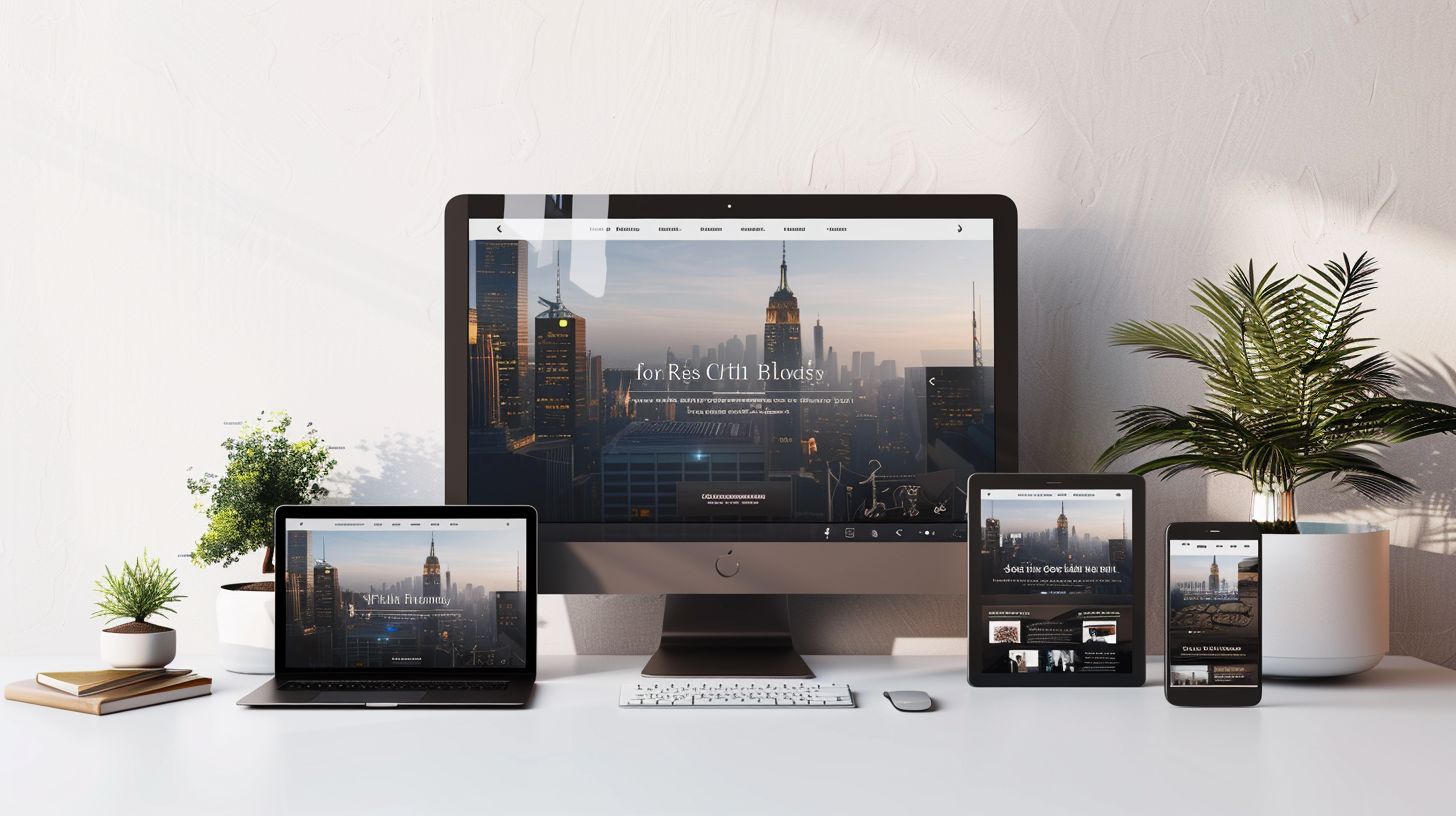
Building a website that shines on every device is our journey together. We’ve unpacked secrets like flexible layouts, media queries, and lighter images — all tools at your fingertips now.
Remember, making your site responsive isn’t just about looking good; it’s about reaching everyone, everywhere. Dive deeper with further resources; the web is vast with knowledge. Let’s craft digital spaces that welcome all — your next step could inspire or innovate beyond imagination.
Frequently Asked Questions
1. What does “responsive design” mean for my website?
Responsive design means making your website look great and work well on any device, from a big desktop screen to a small phone screen. It uses CSS grid and HTML5 to resize things like images and text so everything fits just right.
2. Why should I care about making my site responsive?
Because everyone uses different devices these days! Whether they’re on an iPad, Blackberry, or laptop, you want your site to be easy for them to use. Plus, Google likes sites that are mobile-friendly, which can help more people find you.
3. How do I start with responsive design?
Start by thinking “mobile first.” That means designing your site for small screens first using CSS 2.1 techniques and then adding more features for bigger screens. Use tools like simulators to see how your site looks on various devices.
4. Can I make images and videos fit all screen sizes?
Yes! With HTML5 and CSS grid, you can make raster images and videos resize themselves automatically—no squinting required by the viewer!
5. Will my site work in all web browsers?
Absolutely! By using standard code like text/CSS and ensuring compatibility with browsers like Safari, Firefox, Opera—even Internet Explorer—you’ll make sure everyone can access your content no matter their preference.
6. Is it hard to keep my website looking good on new devices as they come out?
Not if you stay updated! New gadgets might have different screen sizes or orientations (like portrait or landscape), but responsive design principles ensure your website adapts smoothly… keeping it looking fresh on even the latest smart glass or iPod Touch.